

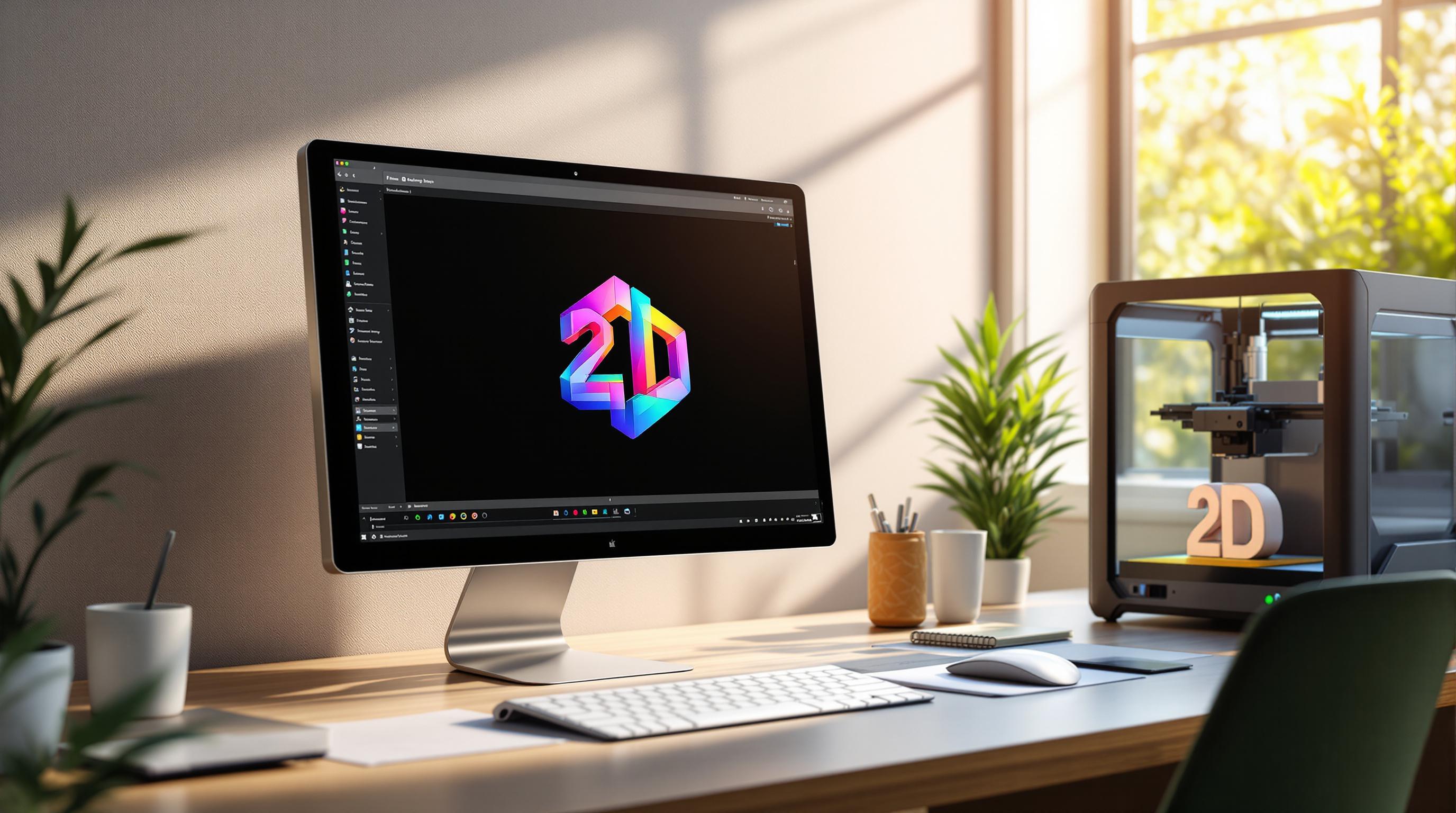

Turning your flat 2D logo into a 3D model is now easier than ever. Here's how you can do it step-by-step:
This process lets you create professional 3D logos for websites, social media, packaging, and even AR/VR applications - all without needing advanced skills.
Prepare Your 2D Logo
Get your 2D logo ready for a smooth transition into 3D.
Clean Up Design Elements
Simplify your logo to make the 3D conversion process easier:
Using Logo Diffusion’s background removal tool can help simplify this process. It automatically isolates your logo from any surrounding elements, giving you a clean base to work with.
Once your design is clean, check the resolution to make sure every detail converts properly.
Check Image Resolution
Make sure your 2D logo is high-resolution so fine details are captured accurately. If the image looks pixelated, replace it with a higher-quality version.
Select File Format
Choose a file format that keeps your logo’s quality intact. Logo Diffusion works best with:
If your logo isn’t already in a vector format, Logo Diffusion’s vectorizer tool can convert it into a clean SVG file. This ensures compatibility for 3D conversion while keeping edges sharp and curves smooth in the final model.
Convert 2D to 3D with Logo Diffusion

Once your logo is ready, it's time to turn it into a stunning 3D model.
Upload Your Logo
Head to the '2D to 3D' feature in your Logo Diffusion dashboard. The platform supports multiple file formats. Here's how to get started:
Once you're satisfied with the upload, move on to selecting your 3D style options.
Pick 3D Style Options
You can choose from over 45 design styles to bring your logo to life. Key settings include:
Experiment with different combinations of material, depth, and lighting to find the style that best represents your brand.
Create and Adjust Your 3D Model
After generating the initial 3D model, use the adjustment tools to refine it further:
Basic Adjustments
Advanced Settings
For intricate designs, use the creative upscaler to enhance details. Preview the model from every angle to ensure consistent quality across all aspects.
Polish and Export 3D Models
Once you've created your basic 3D model, it's time to refine the details and prepare it for export.
Fine-Tune Your 3D Model
Use Logo Diffusion's Creative Upscaler to sharpen and enhance your design for a polished, professional look.
Surface Refinement
Lighting Adjustments
The Creative Upscaler automatically processes your design in high resolution, ensuring it retains sharp details even when scaled up.
Once your 3D model is fully polished, you're ready to export it in the format that best suits your needs.
Export in Multiple Formats
Save your refined 3D logo in versatile formats to ensure it works across various platforms and applications:
Logo Diffusion optimizes each format during export, ensuring high-quality results. The built-in vectorizer creates clean, production-ready vector files that maintain their quality across different uses.
Export Suggestions:
Ways to Use 3D Logos
Make your brand stand out with eye-catching 3D logos.
Online Marketing
Use 3D logos to grab attention and boost your online presence. With tools like Logo Diffusion's 3D conversion features, you can create assets for:
Website Headers and Landing Pages
Social Media Content
Email Marketing
These strategies work seamlessly across digital platforms and set the stage for physical branding.
Product Branding
3D logos can elevate your physical branding with creative, tangible applications:
Packaging Design
Merchandise
AR and VR Content
Step into the future with 3D logos in augmented and virtual reality, offering immersive experiences that showcase your brand in innovative ways.
Augmented Reality Applications
Virtual Environments
Wrapping Up
Using the steps outlined earlier, you can bring your brand to life with eye-catching 3D logos. Turning flat 2D designs into dynamic 3D models is now simpler than ever with Logo Diffusion's tools. Success comes down to clean designs, proper conversion, and detailed finishing.
The process is simple: start by preparing your design, convert it with Logo Diffusion's tools, and export it in the format you need. By focusing on preparation and precision, you can create professional 3D logos that look great across various platforms and applications.
Logo Diffusion offers design options and export features that ensure your 3D logos maintain a polished appearance while making a strong impression. Whether you're working on digital campaigns, physical merchandise, or immersive projects, you can achieve high-quality results without needing advanced 3D modeling skills.
This flexibility lets you create consistent branding across all mediums. Upgrade your brand by transforming your 2D logos into striking 3D assets that stand out and engage audiences everywhere.

.png)
Elevate Your Brand with the Ultimate AI Logo Maker
Built with love by designers for designers!


Trusted by over 200k+ users


The future of AI Logo Design
